Logs
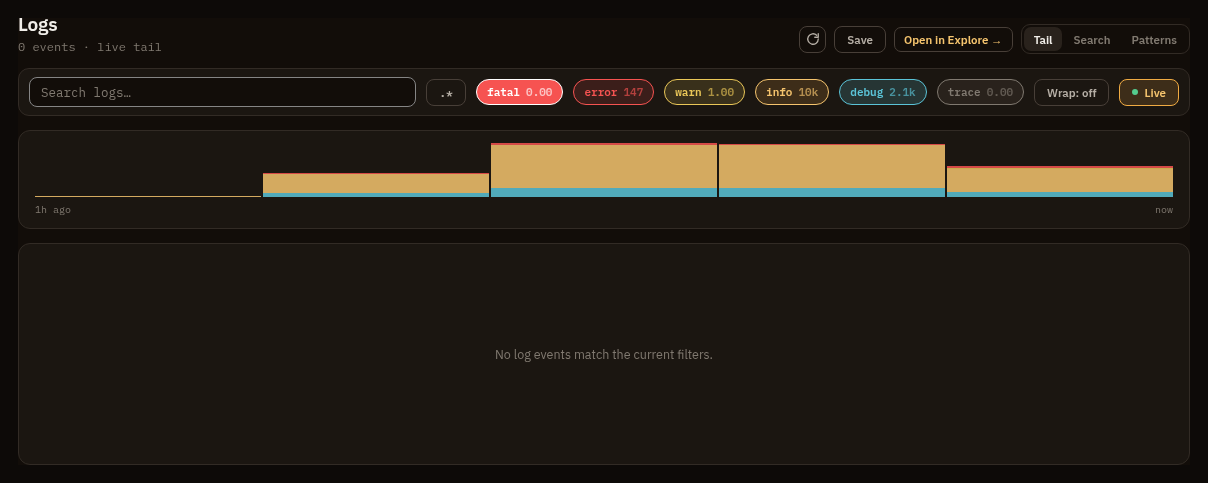
Use Logs when the event body or severity is the clearest signal. Logs share the same scope bar and OQL source as Explore.
Search logs
Section titled “Search logs”Open Logs after setting scope and time range. Filter by service, severity, body, attributes, or resource attributes.
Examples:
logs | where severity >= error | limit 100logs | where body contains "deadline exceeded" | fields time, service, severity_text, bodylogs | where resource.k8s.namespace.name == "prod" | stats count() by service, bin(1m)The Logs screen also supports live tail behavior through the API tail endpoint. Use it for active incident inspection, then turn important filters into saved queries.
Patterns
Section titled “Patterns”The Patterns view clusters the window’s log bodies into templates, so a flood of
near-identical messages reads as a handful of shapes. Each line is tokenized and
its variable parts (ids, numbers, IP addresses, URLs, paths) collapse to
placeholders such as <num> and <path>; similar lines then merge into one
template, with the positions that still differ shown as <*>.
Each pattern carries its event count over the whole window, a severity breakdown, and the time span it covers. The counting runs in ClickHouse, so the counts are exact rather than sampled from the rows on screen. The active facet filters and the time range narrow what gets clustered, and a very large window keeps the most frequent distinct messages and says so.
Expand a pattern to read example lines and its first and last occurrence, or use “Open in search” to drop into the raw logs that match it.
Permissions
Section titled “Permissions”Logs require telemetry:query.
Pivots
Section titled “Pivots”- Open a correlated trace when a log row has a
trace_id. - Jump from a service value to the service-scoped view.
- Drill from a log pattern into the raw events that match it.
- Use recurring log filters as alert rule queries.
- Use log count trends as dashboard panels.