Metrics
Use Metrics for rates, gauges, distributions, and trends that should be cheaper to read than raw event streams.
Query metric points
Section titled “Query metric points”Open Metrics or Explore and start with the metrics source.
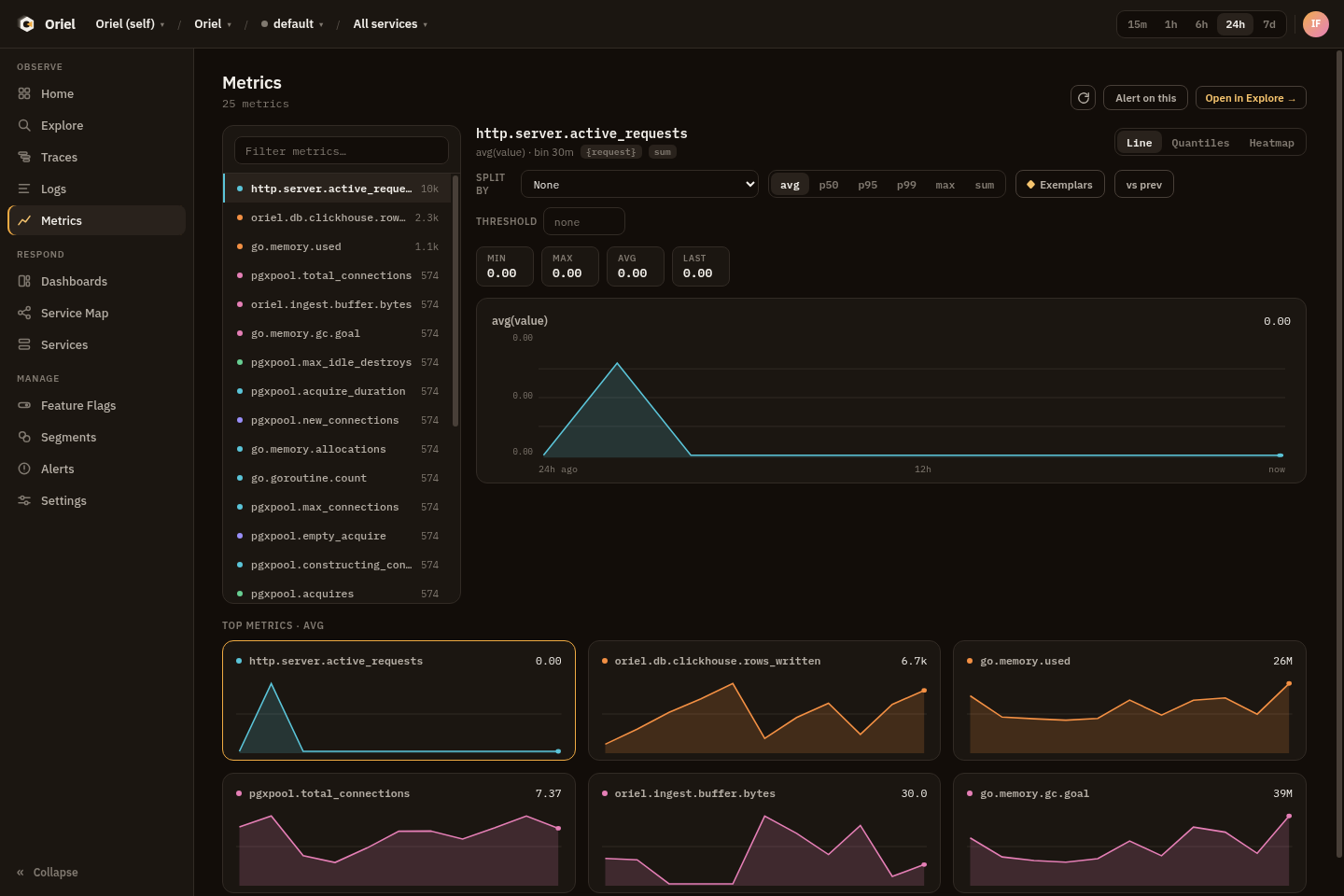
Examples:
metrics | where name == "http.server.duration" | stats p95(value) by service, bin(auto)metrics | where name == "process.runtime.go.goroutines" | stats max(value) by servicemetrics | where temporality == "cumulative" | fields time, name, service, value, unitMetric rows expose instrument context such as point_kind, temporality,
is_monotonic, unit, scope_name, and scope_version.
Permissions
Section titled “Permissions”Metrics require telemetry:query.
Pivots
Section titled “Pivots”- Use exemplars to pivot from a metric point to a trace when exemplar data is present.
- Pin stable metric queries to dashboards.
- Use service filters to compare a metric across environments.
- Convert threshold-style metric queries into alert rules.