Start a local stack
Run Oriel with PostgreSQL, ClickHouse, and Valkey, then create the first workspace and send OTLP telemetry.
Start with the Compose quickstart.
Oriel is a self-hosted, OpenTelemetry-native observability platform. It accepts OTLP traces, metrics, logs, and profiles; stores telemetry in ClickHouse; stores metadata in PostgreSQL; and uses Valkey for runtime cache, rate limits, series limits, ruleset fanout, and pub/sub.
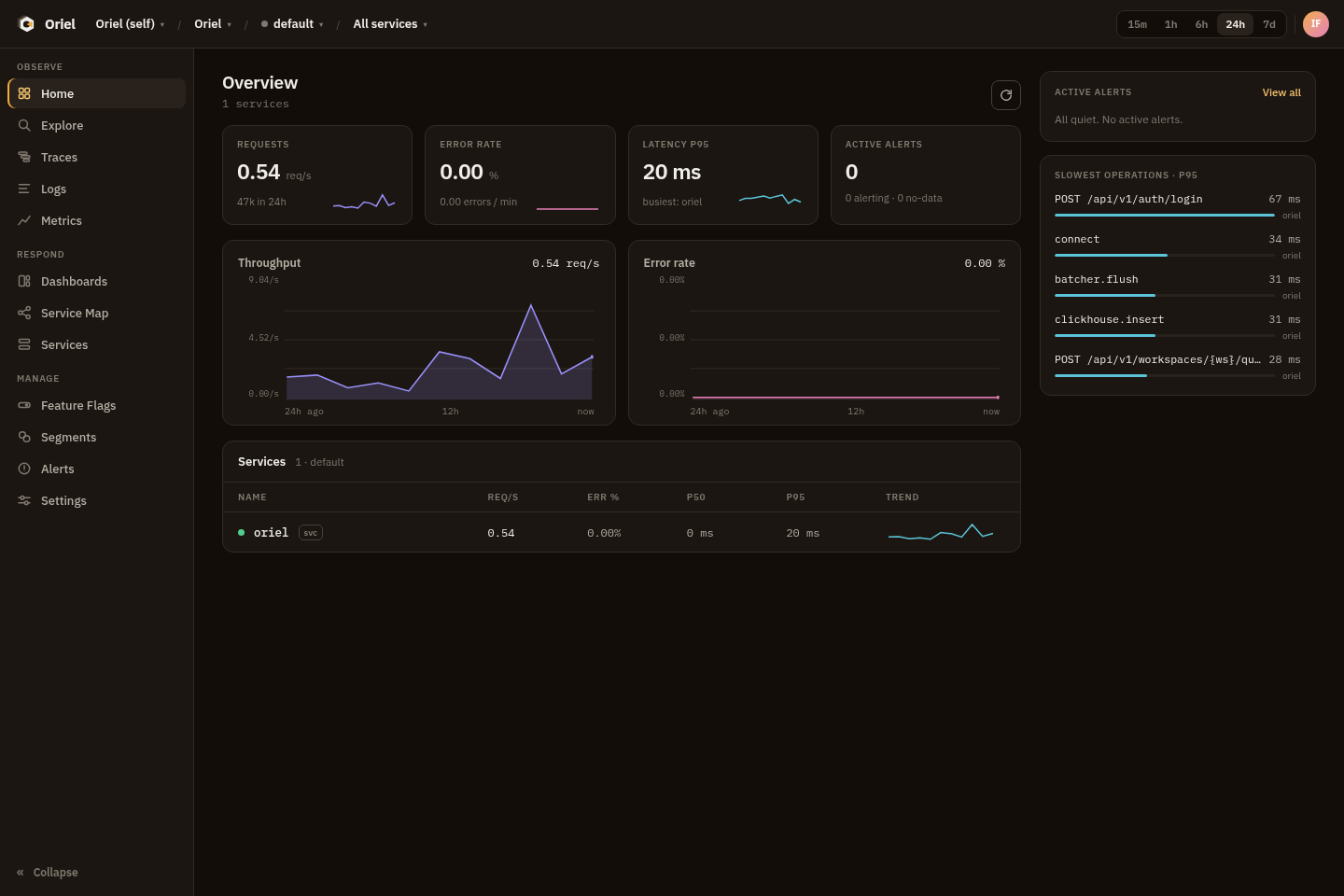
Start a local stack
Run Oriel with PostgreSQL, ClickHouse, and Valkey, then create the first workspace and send OTLP telemetry.
Start with the Compose quickstart.
Use the product
Work inside the Oriel scope model, query telemetry with OQL, inspect traces, logs, metrics, and profiles, and build alerts and dashboards.
Start with the scope model and Explore and OQL.
Operate a deployment
Choose a deployment path, configure storage, TLS, auth, migrations, readiness, backups, retention, and security controls.
Start with Choose an install path and Architecture.
Run the local stack:
cd deploy/composedocker compose -f local.yml up --buildWhen the stack is healthy, bootstrap the first user and workspace:
docker compose -f local.yml exec -e ORIEL_BOOTSTRAP_PASSWORD='change-me' oriel \ oriel admin bootstrap --email you@example.comdocker compose -f local.yml exec oriel oriel admin create-workspace --slug demoThe local endpoints are:
| Endpoint | URL |
|---|---|
| UI and API | http://localhost:6743 |
| OTLP gRPC | localhost:4317 |
| OTLP HTTP | http://localhost:4318 |
Next, create a project and environment in Settings, mint an ingest token, and send telemetry with an OpenTelemetry SDK or Collector. See Send telemetry.
Oriel runs as one binary with four runtime roles:
| Role | Purpose |
|---|---|
all |
Runs ingest, query/API/UI, and worker in one process. This is the default documented path. |
ingest |
Runs OTLP gRPC and HTTP receivers. |
query |
Runs the UI, management API, query API, health checks, and metrics endpoint. |
worker |
Evaluates alert rules and rolls up service-map edges. |
The binary requires PostgreSQL metadata storage, ClickHouse telemetry storage, and Valkey runtime cache/pub-sub. Postgres is the durable metadata source of truth; Valkey holds rebuildable runtime state.