Traces
Use Traces when you need the path of one request or a sampled view of slow and errored requests in scope.
Find a trace
Section titled “Find a trace”Open Traces after choosing scope and time range. Use the trace list for aggregate search and the trace detail page for a single waterfall.
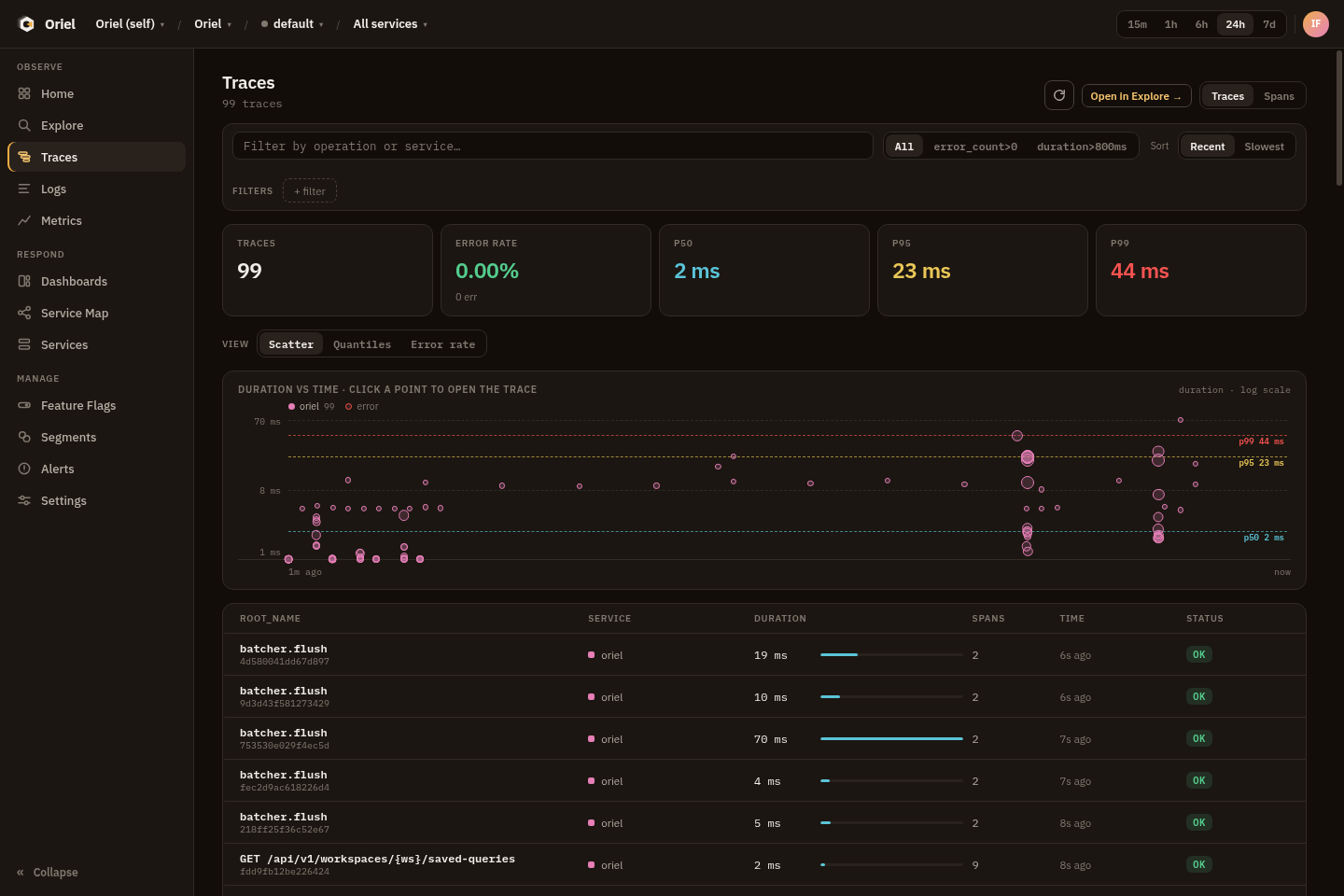
Common queries:
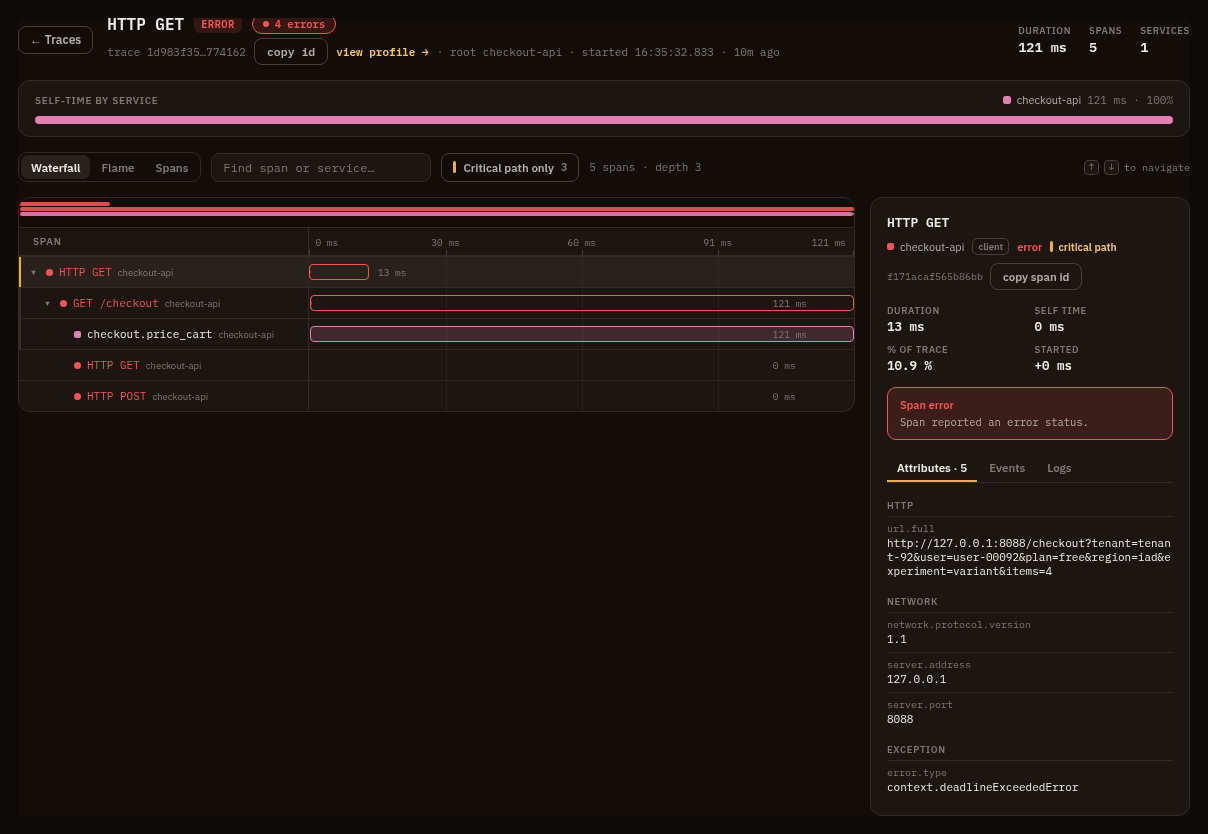
traces | where error_count > 0 | sort duration desc | limit 50spans | where http.response.status_code >= 500 | stats count() by service, http.routespans | where peer.service exists | stats count() by peer.service, bin(5m)Trace detail shows span timing, service boundaries, status, attributes, resource attributes, events, links, and related logs when present.
Permissions
Section titled “Permissions”Traces require telemetry:query for the selected workspace or project.
Pivots
Section titled “Pivots”- Open logs filtered by
trace_idorspan_id. - Move from a slow route to metrics for the same service.
- Move from a service in the waterfall to the Services page or Service Map.
- Use exception or status fields as Explore predicates.
- Open a linked profile when an OTLP profile sample names the trace.